To judge Grammarly's AI detector accuracy for your draft, save the exact text and read the marked passages. You'll have a clear basis for comparing another reading and reviewing your edits.
Is Grammarly's AI detector accurate?
Grammarly's published accuracy figure is 99% on RAID, according to its detector page. That's the performance figure to cite when discussing its benchmark result. Your document percentage means something different: an estimate of how much submitted text appears AI-generated.
Start by saving the exact draft you plan to check. Run it through the available detector interface, record the percentage, and inspect any marked passages before changing the wording.
I'd read those passages beside the original draft. That makes the result actionable: you can identify the wording to review and preserve a clear record of what you changed.
What Grammarly's AI detection tools actually report
The standalone detector presents an overall percentage and labels including “Resembles AI text” and “No AI text patterns found.” Grammarly's support guide describes the percentage as an estimate of the amount of scanned text that appears AI-generated.
Integrated detection adds passage-level feedback. The support guide describes underlined text or passage marks beside the document, depending on the interface. Those marks help you locate the wording behind the overall estimate.
Authorship answers a different question. According to Grammarly's detector page, it categorizes text origins, including typed text, AI, and online material. Use that process record when the question concerns where text came from, rather than how its wording reads.
Grammarly's features serve different purposes
| Feature | Output | Purpose |
|---|---|---|
| Standalone detector | Percentage and result label | Separate text check |
| Integrated detection | Estimate and passage marks | Review while editing |
| Authorship | Text-origin categories | Writing-process record |
What the RAID benchmark claim measures
Grammarly's detector page reports 99% detection accuracy on RAID's independent benchmark. It describes RAID as an evaluation for distinguishing human-written and AI-generated text across diverse writing styles.
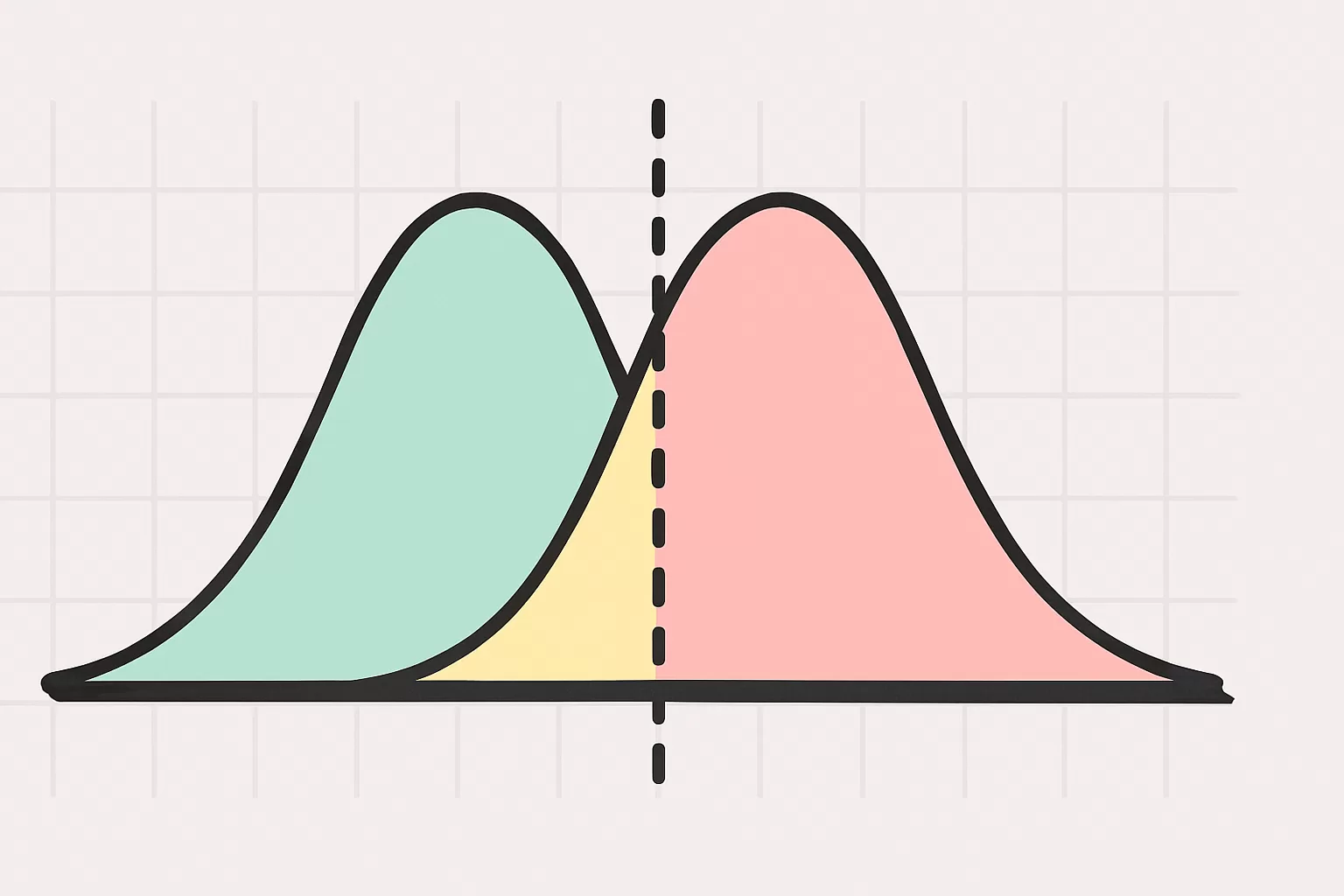
Accuracy counts correct classifications across a test set. A false positive is human writing flagged as AI-like; a false negative is AI writing read as human. These describe test outcomes, not the proportion of AI-like text in your document.
Keep the metric attached to its context. A benchmark accuracy figure and a document percentage answer different questions, even when both appear as percentages.
When comparing published performance claims, look for matching writing types, languages, and editing conditions. For your own draft, record the document result separately from the benchmark figure so the two don't become interchangeable.
Paste a paragraph and check it
The result appears here once you run the tool.
How to check the same passage both ways
To compare the standalone and integrated experiences, hold the wording constant. Changing a sentence between submissions gives you two different inputs, which makes the results harder to interpret.
Here's a practice passage you can use for that procedure, not a reported detector test:
“Before I start studying, I write down what I need to review. That keeps me from opening several chapters without a clear plan. I read a section, close the book, and explain the main idea in my own words. If I can't explain it, I return to that section and try again. I also keep a separate list of questions so I can ask about them later. The list helps me notice which parts I understand and which parts still need work. At the end, I review my notes and choose where to begin next time.”
For a light revision, replace “a separate list of questions” with “a list of questions kept separately.” The meaning stays the same. Save the revised passage as a new version rather than overwriting the text used for your first checks.
- Save the input: Keep an untouched copy of the passage before scanning.
- Run the standalone check: Submit that saved text and record the percentage and result label.
- Run the integrated check, if available: Use identical wording and save the overall estimate and passage marks.
- Compare the outputs: Look at the marked wording before comparing the overall figures.
- Record any revision: Save an edited version separately and check that version again.
Where short and edited text change the comparison
Grammarly's support guide says shorter passages are harder to measure accurately than longer passages. For a useful review, check the relevant passage in its surrounding context rather than isolating a sentence from the rest of your draft.
The guide also explains that human language patterns, syntax, and complexity can mirror AI-generated text. It says text produced by Grammarly's rewriting agents is likely to be flagged by its AI Detector agent.
Keep proofreading corrections, generated rewrites, and your own revisions identifiable in your saved versions. If a document contains several kinds of contributions, inspect the passage marks to see which wording needs your attention.
Input differences that affect interpretation
| Input | Grammarly's guidance | Next step |
|---|---|---|
| Short passage | Harder to measure accurately | Keep the full context |
| Human-written text | AI-like patterns can overlap | Review draft history |
| Grammarly-generated rewrite | Likely to be flagged | Save the original version |
When a second detector reading helps
A second reading is useful when you want another view of the same saved draft. Keep the input unchanged so you can compare the passages each tool highlights.
Blurwrite's AI detector returns one figure with a confidence rating and a mark on every sentence. That gives you specific wording to examine alongside Grammarly's result.
Record the readings under the same saved version, then review where the marks overlap or differ. I'd start with a passage highlighted in both readings and inspect its rhythm, repeated phrasing, and connection to the surrounding text.
For Blurwrite's own published performance figures, see our accuracy page. Those measurements describe Blurwrite, not Grammarly's RAID result.
What should you change after an AI flag?
Match the edit to the writing problem you can identify. A grammar mistake needs a correction; a stiff paragraph needs a fuller rewrite. Don't replace clear wording just because it's highlighted.
Before: “Before I start studying, I writes down the questions I want to ask later.”
After: “Before I start studying, I write down the questions I want to ask later.”
The revision fixes subject-verb agreement and keeps the meaning unchanged.
For proofreading, Blurwrite's free grammar checker helps you correct grammar errors. Keep those corrections visible in your revision history so you can distinguish them from changes to the paragraph's wording.
If the draft sounds stiff, save your detector reading and use the AI humanizer to make it read naturally while keeping numbers, names, and quotes. Check the revised version, compare the before and after readings, then do a final read for your voice and the facts.
Keep working on your own text
Free plan
0 USD
Check your text without a card. The same daily allowance applies here and on the tools.
Check textTop-up credits
Add words for rewriting when you need them.
- 50,000 words4.99 USD
- 150,000 words11.99 USD
- 500,000 words29.99 USD
Questions about this article
Is Grammarly better than an AI chatbot?
They serve different purposes: Grammarly's detector checks for AI-like writing patterns, while a chatbot generates responses. If you're reviewing a finished draft, a detector gives you a reading to inspect. If you need help drafting, that's a separate task. Compare tools by the job you need done, not by a single accuracy headline.
What are the downsides of using Grammarly for AI detection?
The main practical restriction is that integrated AI detection requires an eligible paid plan, while the standalone detector is free. The interfaces also present results differently, so save the overall estimate and any passage marks available to you. That gives you a useful record rather than an isolated percentage.
Can a school detector see if I used Grammarly?
An AI-text reading concerns patterns in submitted writing, not a record of your Grammarly account activity. Keep proofreading changes separate from generated rewrites when explaining your process. Save the original draft, the changes you accepted, and the submitted version so a reviewer can examine what actually changed.
Why does Grammarly say I used AI when I didn't?
Grammarly explains that human-written language patterns, syntax, and complexity can resemble AI-generated writing. An unexpected flag can come from that overlap. Identify the marked wording, save the result, and compare it with your earlier drafts. Your revision history gives you concrete material to discuss alongside the detector reading.
Does Grammarly have a free AI detector?
Yes, Grammarly offers a free standalone AI detector on its website. Its result includes an overall percentage and a label describing whether the text resembles AI writing. That's separate from integrated detection inside eligible Grammarly workflows. Use the standalone page when you want to check a saved passage separately from your editing environment.
Is Grammarly's AI detector accurate for edited text?
An edited draft needs its own reading; the original score describes the original wording. Save both versions and record whether you accepted proofreading corrections, generated rewrites, or your own revisions. Then check the revised text and compare the marked passages with the changes you made before doing your final read.