Turnitin can check eligible submissions for AI writing, but you need the right report to understand the result. Start with these steps to separate AI findings from source matches and decide what to review.
Does Turnitin check for AI?
Yes, when your institution has enabled AI writing detection and your submission meets its requirements. Turnitin’s AI checker page describes the capability as available with Originality. The AI indicator assesses writing patterns, while similarity checking looks for text matching sources.
I’d start with the report name, not the number. According to Using the AI Writing Report, the AI percentage is independent of the similarity score. AI highlights don’t appear in the Similarity Report.
Students often see only the similarity score, not the AI indicator. If that’s your view, your instructor can explain the separate AI result and show you any highlighted passages.
- Identify the report: check whether the figure is a similarity score or an AI writing percentage.
- Confirm the feature: ask your instructor whether AI writing detection was enabled for your submission.
- Review the passages: open Submission Breakdown in the AI Writing Report, or ask your instructor to share the relevant findings.
What changed in Turnitin’s reports and when
Turnitin activated AI writing detection on April 4, 2023, according to its launch announcement. That added a separate way to assess likely AI writing alongside source matching. It didn’t turn the similarity score into an AI score.
Understanding the similarity score defines similarity as text matching other sources. Properly quoted text can contribute to that percentage. Open the source matches to see what matched and whether your quotation and citation are correct.
The AI report answers a different question: how much qualifying prose Turnitin flags as likely AI writing. Its low-range display later changed to an asterisk, so older reports can look different from current ones.
Similarity and AI writing answer different questions.
| Feature | Similarity Report | AI Writing Report |
|---|---|---|
| Measures | Text matching sources | Likely AI-written prose |
| Percentage | Share matching sources | Share of qualifying prose |
| Highlights | Source matches | Flagged eligible passages |
| Access | Similarity checking | AI capability enabled |
Paste a paragraph and check it
The result appears here once you run the tool.
How Turnitin detects AI and calculates the percentage
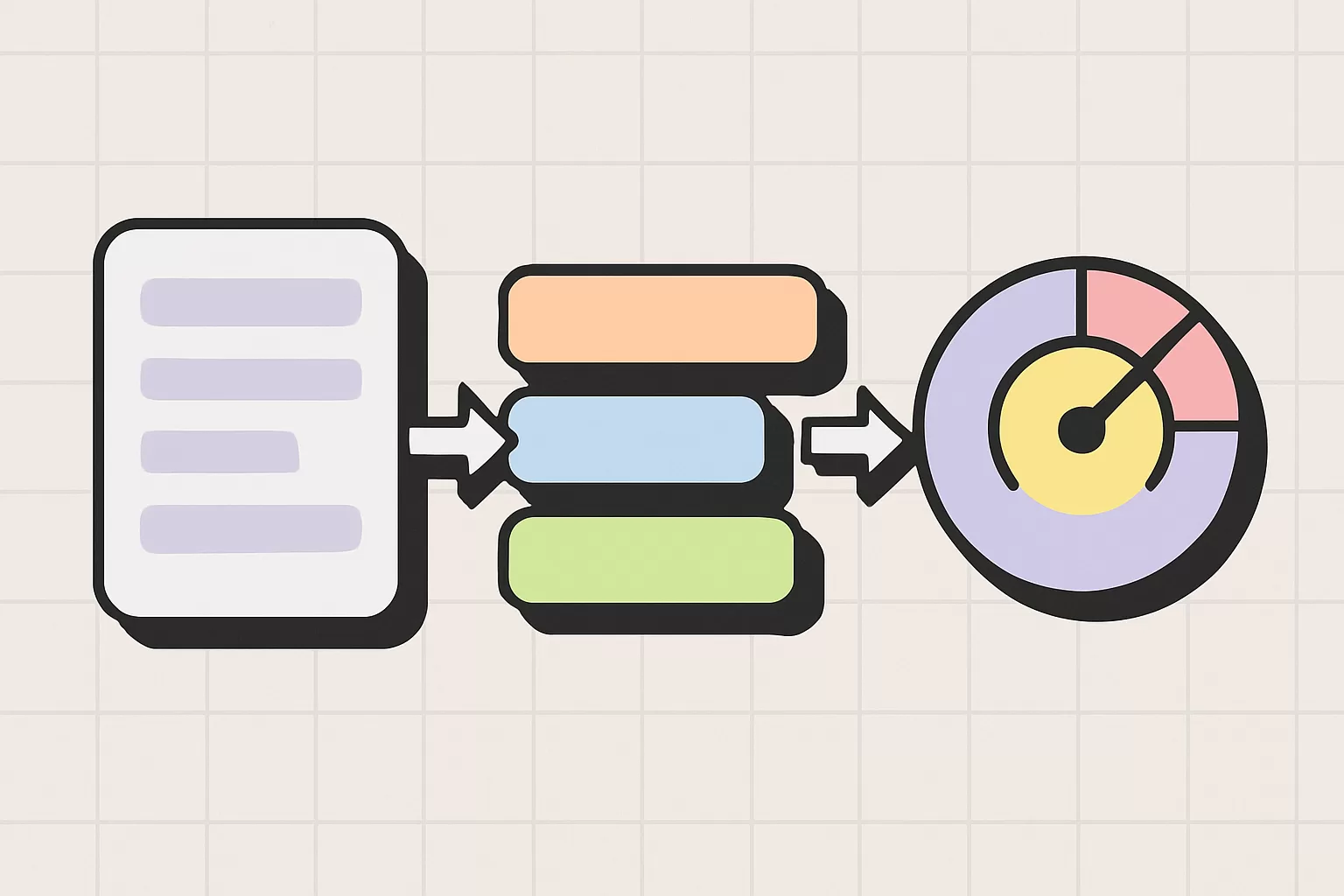
Turnitin uses an AI writing detection model to assess prose, according to Using the AI Writing Report. It classifies likely AI-generated writing and, where supported, likely AI-generated text modified by paraphrasing or bypasser tools. This is pattern classification, not source matching.
The percentage applies to qualifying text: prose sentences in long-form writing. Non-prose material such as poetry, scripts, and code falls outside that scope, as does short-form material such as bullet points and tables. Read the percentage as a share of eligible prose, not every word in the file.
The guide requires at least 300 words of long-form prose, no more than 30,000 words, and a file smaller than 100 MB. Accepted formats are .docx, .pdf, .txt, and .rtf. Its supported languages are English, Spanish, Japanese, and Arabic.
Detection categories differ by language. The guide says English includes AI paraphrasing and bypasser detection; Spanish and Japanese don’t include those capabilities. Language support and detection-category support aren’t the same thing.
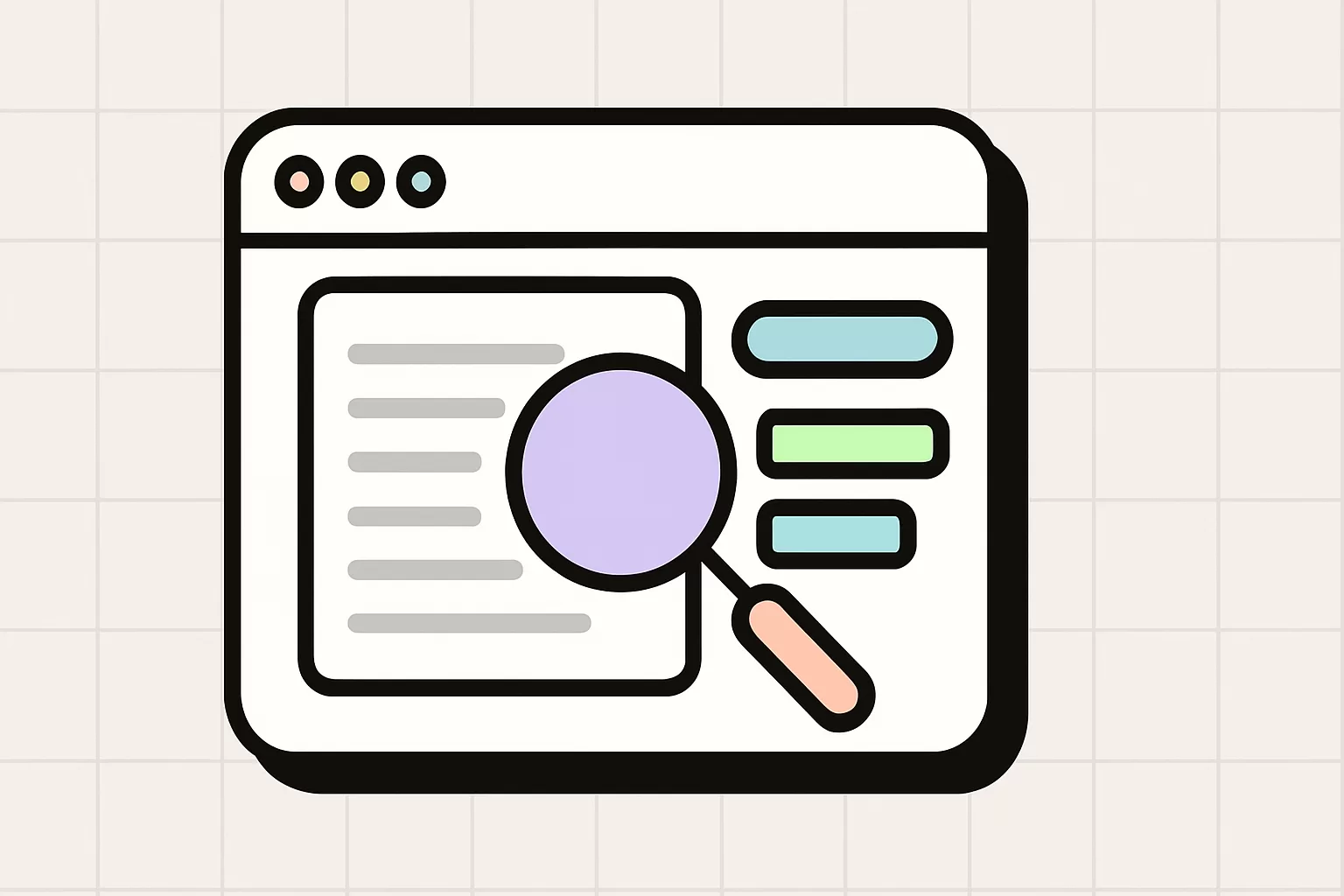
To inspect a result, open Submission Breakdown. It shows blue highlights and an interactive bar. Selecting a highlight brings the corresponding passage and page into view, so you can read the flagged text in context.
Why AI scores below 20% show an asterisk
An asterisk means a low-range result, not zero. Using the AI Writing Report says results above 0% and below 20% receive neither a numeric percentage nor highlights. At 20%, the report displays a percentage again.
Turnitin attributes this display rule to a higher incidence of false positives in the low range. A false positive is human-written text incorrectly flagged as AI writing. The asterisk tells you that the underlying result falls within that range.
The report guide uses July 8, 2024, as the cutoff. Reports generated before that date can still show numerical scores below 20%. Check the generation date before comparing an older report’s display with a current one.
If you see *%, don’t interpret it as a hidden exact percentage you can calculate yourself. Use the displayed range when discussing the result.
An asterisk is not a zero result.
| Display | Meaning |
|---|---|
| 0% | No qualifying prose flagged |
| *% | Underlying result: 1% to 19% |
| 20% to 100% | Numeric percentage displayed |
How accurate is Turnitin’s AI detector?
Accuracy depends on what’s being measured. False positives flag human writing; false negatives miss AI writing. Recall describes how much of the target writing a detector identifies.
Turnitin’s February 12, 2026, release notes describe improved recall while maintaining a low false-positive rate. Its May 5, 2026, notes describe improved Spanish-language detection while minimizing false positives. These statements concern the capabilities covered by those updates.
Turnitin says its indicator should not be the sole basis for adverse action against a student. Read the highlighted passages alongside drafts, source notes, and the writer’s explanation of how the work developed.
For the performance information behind Blurwrite’s readings, see our accuracy page.
What students and teachers should do with the report
If you’re a student, ask which report prompted the concern and which passages need discussion. Bring drafts, source notes, and writing history. Those materials let you explain specific choices rather than debate a percentage in isolation.
If you’re a teacher, open Submission Breakdown and read the highlighted text with its surrounding paragraphs. Ask about the drafting process for those passages. Keep the report name and generation date in your notes so everyone discusses the same result.
For a separate draft check, Blurwrite’s AI detector gives one figure with a confidence rating and a mark on every sentence. Use those marks to choose passages to reread, then compare your writing with the feedback on your Turnitin report.
How to read 25% similarity beside an asterisk AI result
Suppose your Similarity Report shows 25% and your AI Writing Report shows *%. Open the Similarity Report first to understand the visible 25%. Review each source match and check whether it comes from a quotation, attributed material, or wording that needs revision.
Then open the AI Writing Report. The asterisk means its underlying AI result is between 1% and 19%, with no numeric percentage or highlights displayed. It does not mean the AI result is 25%.
Keep the findings separate in your notes: “25% similarity; *% AI writing.” If your instructor raised an AI concern, ask what text they want to discuss. The similarity matches can explain the similarity score, but they don’t identify AI-flagged passages.
A worked example with two separate results.
| Report | Result | Next action |
|---|---|---|
| Similarity Report | 25% | Open source matches first |
| AI Writing Report | *% | Review low-range meaning |
Keep working on your own text
Free plan
0 USD
Check your text without a card. The same daily allowance applies here and on the tools.
Check textTop-up credits
Add words for rewriting when you need them.
- 50,000 words4.99 USD
- 150,000 words11.99 USD
- 500,000 words29.99 USD
Questions about this article
How much AI is acceptable in Turnitin?
Your assignment’s AI policy determines acceptable use, not a Turnitin percentage. Turnitin’s report guidance directs educators to apply their organization’s academic policies. Ask which uses are allowed and what disclosure is required. The asterisk for low-range results is a reporting rule, not an allowance for AI use.
Is 25% on Turnitin OK?
A 25% similarity score isn’t automatically a problem; inspect the matches first. Quoted or attributed material can contribute to similarity, according to Turnitin’s guide. If 25% is an AI writing result instead, open the AI Writing Report and review its highlighted passages. The report name determines what that percentage means.
How do I avoid AI detection on Turnitin?
Use your own reasoning, specific details, and natural sentence rhythm so the draft reflects your voice. Check the draft, revise stiff passages, and compare the before and after readings. Then read the full text for meaning, facts, and citations. These steps help writing read naturally without promising a particular Turnitin result.
Is 30% AI detection bad?
A 30% AI result is worth reviewing: Turnitin flagged 30% of the qualifying prose. Read the highlighted passages with your instructor and compare them with drafts, notes, and citations. Be sure you’re looking at the AI Writing Report; a 30% similarity score concerns source matches instead.
Can Turnitin detect ChatGPT?
Yes. Turnitin includes ChatGPT-generated writing within its stated detection scope, according to its launch announcement and AI checker page. The submission still needs to meet the AI Writing Report’s file and prose requirements. Check the report’s language-specific capabilities when reviewing a result, since supported languages don’t all have the same detection categories.
Is Turnitin’s AI detector accurate?
Turnitin can identify likely AI writing, and its release notes describe improved recall while maintaining a low false-positive rate. Recall means how much of the target writing the detector identifies. To assess a particular result, check which language and content the report covers, then read the highlighted passages in context.